ShareEcard or Vistaprint: Which One Actually Updates Instantly?

Job titles change. Phone numbers change. Offices move. The real test of any business card is not how it looks on day one, but what happens the moment your details change. An instant update business card should reflect new information the second you make the change, without a reorder, without a delay, and without anyone holding an outdated version. Here is how ShareEcard and Vistaprint actually perform on that test.
Why Update Speed Matters More Than It Seems
Most comparisons focus on price or design, but update speed is where a card either earns its keep or quietly becomes a liability. A card that cannot update instantly forces you to track who has an old version, hope they notice the change, or hand out corrected information by hand until a new batch arrives. For anyone who changes roles, moves offices, or grows a sales team, this is not a rare event. It happens constantly.
See also: Best Ways to Organize a Stress-Free Regional Home Relocation
How Vistaprint Handles Information Changes
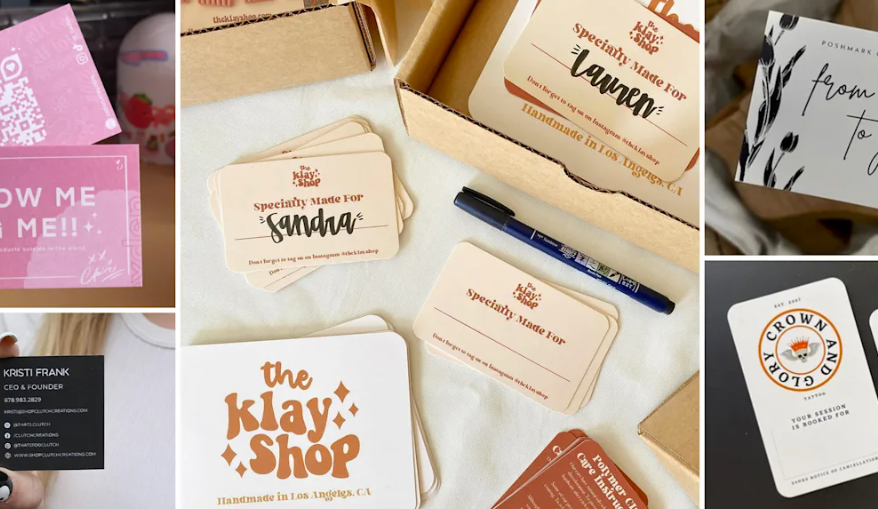
A standard printed Vistaprint card cannot update at all once it leaves the printer. If your phone number changes, every card already in circulation is wrong, permanently, until you throw it away and order a new batch. That means a full reprint cycle: new design proof, printing time, and shipping, all to fix one line of text.
Vistaprint’s NFC business cards move slightly closer to real time updates through the linked VistaConnect profile, which lets you edit the digital page behind the tap without reprinting the physical card. That is a genuine improvement over plain paper. But the core card itself, the object someone actually holds, still shows a fixed layout, and the update only reaches people who tap that specific physical card again after you make the change. Anyone who already saved your old details from an earlier tap or a paper card sees nothing new unless they scan it a second time.
How ShareEcard Handles Information Changes
ShareEcard was built around the opposite for instant update business card. Your information will change, often, and your card should never fall behind it. Update your job title, phone number, email, or company name once inside your ShareEcard account, and the change applies immediately to every link, QR code, and shared card tied to your profile. Anyone who saved your card, bookmarked your link, or scanned your QR code sees the current version the next time they open it, with no reprint, no re-tap, and no waiting period.
This is what makes ShareEcard function as a genuine dynamic contact card app rather than a static file with a digital wrapper. The card is not a snapshot of your information on the day you created it. It is a live reference point that always reflects where you actually are right now.
Digital Business Card Real Time Updates: A Side-by-Side Look
| Scenario | Vistaprint (Printed) | Vistaprint NFC + VistaConnect | ShareEcard |
| Phone number changes | Full reprint required | Update the linked page, but only visible on re-tap | Instant, applies everywhere immediately |
| Job title changes | Full reprint required | Same as above | Instant |
| New employee joins | New print order per person | New card and profile setup | Added to team dashboard in minutes |
| Cost to fix an error | Full reprint + shipping | Free profile edit, hardware unaffected | Free, no reprint needed |
| Update reaches previously shared cards | No | Only if re-scanned | Yes, automatically |
How to Avoid Reprinting Business Cards Altogether
The most reliable way to avoid reprinting business cards is to stop relying on a physical object as the single source of truth for your contact details. A printed card is fixed the moment it leaves the printer, and even an NFC card only updates the layer behind the tap, not the physical item itself. A fully digital card like ShareEcard removes the reprint step from the equation entirely, since there is no print run to redo when something changes.
For businesses with a growing team, this matters even more. Instead of coordinating reorders across five, ten, or fifty employees every time someone changes roles, a shared digital dashboard lets you update everyone’s card centrally in one place.
The Bottom Line
If instant, reliable updates are the priority, ShareEcard wins clearly. It functions as a true instant update business card, reflecting changes the moment you make them, with no reprint, no re-tap, and no gap between the change and the moment someone sees it. Vistaprint’s printed cards cannot update at all once printed, and its NFC option only closes part of that gap. For anyone who expects their role, number, or company details to change over time, that difference adds up fast.
FAQs
What is an instant update business card?
An instant update business card is a digital card whose contact details change immediately everywhere it has been shared, without reprinting or reissuing a new physical card.
Do Vistaprint NFC cards update in real time?
Partially. You can edit the linked VistaConnect page without reprinting the physical card, but the update only shows up when someone taps the card again. It does not automatically refresh previously shared or saved versions.
How do digital business card real time updates actually work?
On a platform like ShareEcard, your card lives on a server tied to one profile. When you edit your details, every QR code, link, and saved card pointing to that profile shows the new information immediately, since they all pull from the same live source.
What is the easiest way to avoid reprinting business cards?
Switch to a fully digital card that does not depend on a physical print run. Since there is nothing to reprint, a title change, new number, or office move costs nothing and takes effect instantly.
Is a dynamic contact card app better than a static printed card?
For anyone whose details change more than once a year, yes. A dynamic contact card app keeps every past recipient looking at current information, while a printed card becomes outdated the moment anything changes.